Social Media Content Calendar & Post Planner (Printable PDF)
A printable social media content calendar and post planner: content pillars, monthly and weekly calendar pages, 30 hook formulas, 10 caption skeletons, hashtag sheets and a 90-day tracker.
Get it on Gumroad — $22 →Look inside
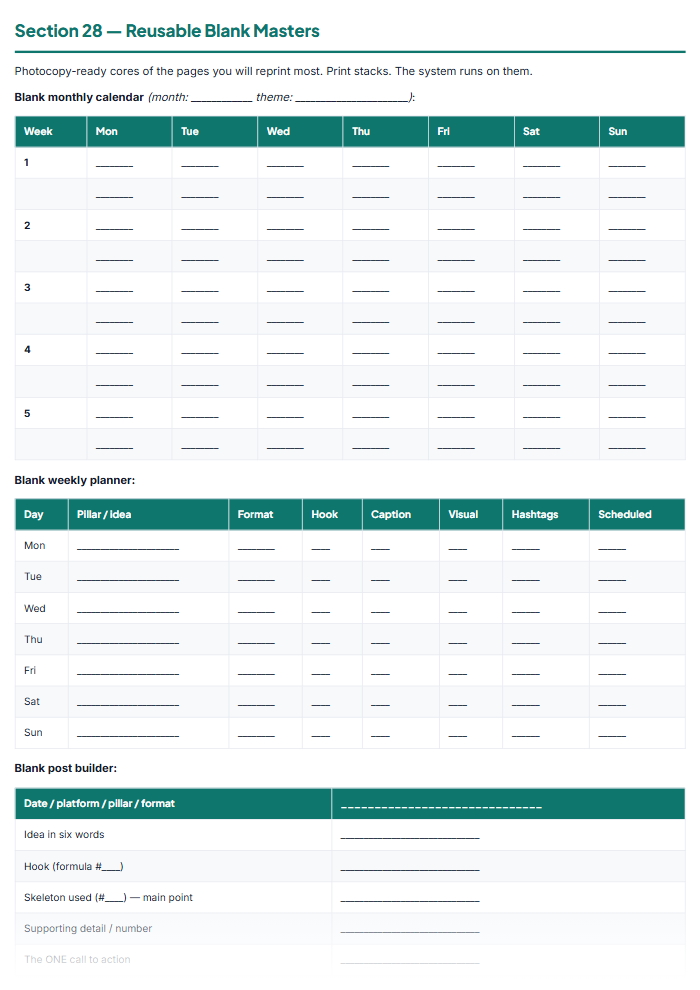
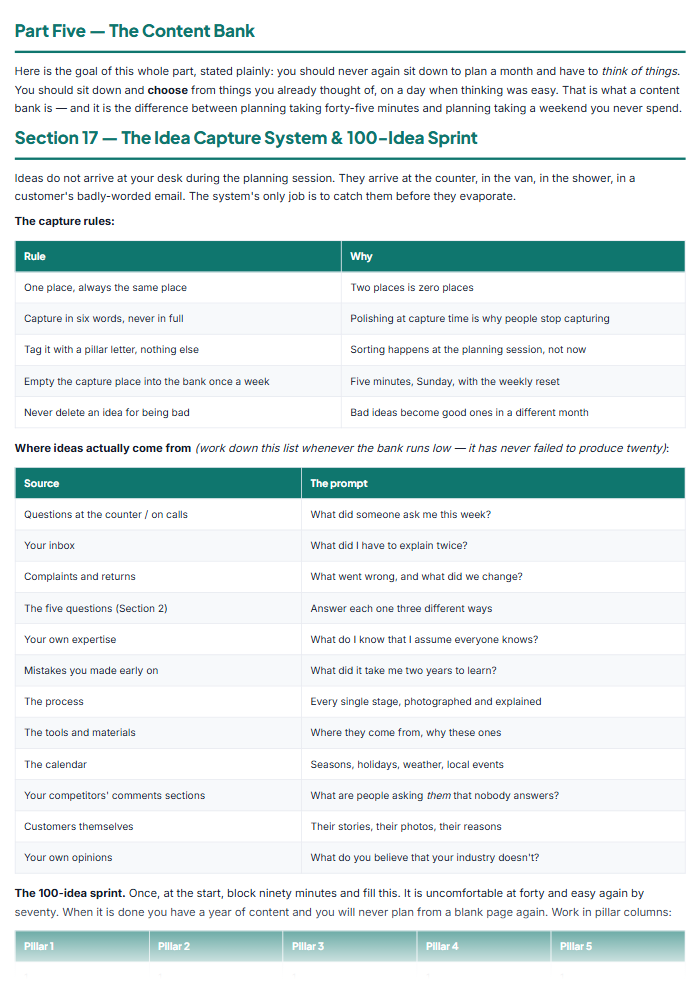
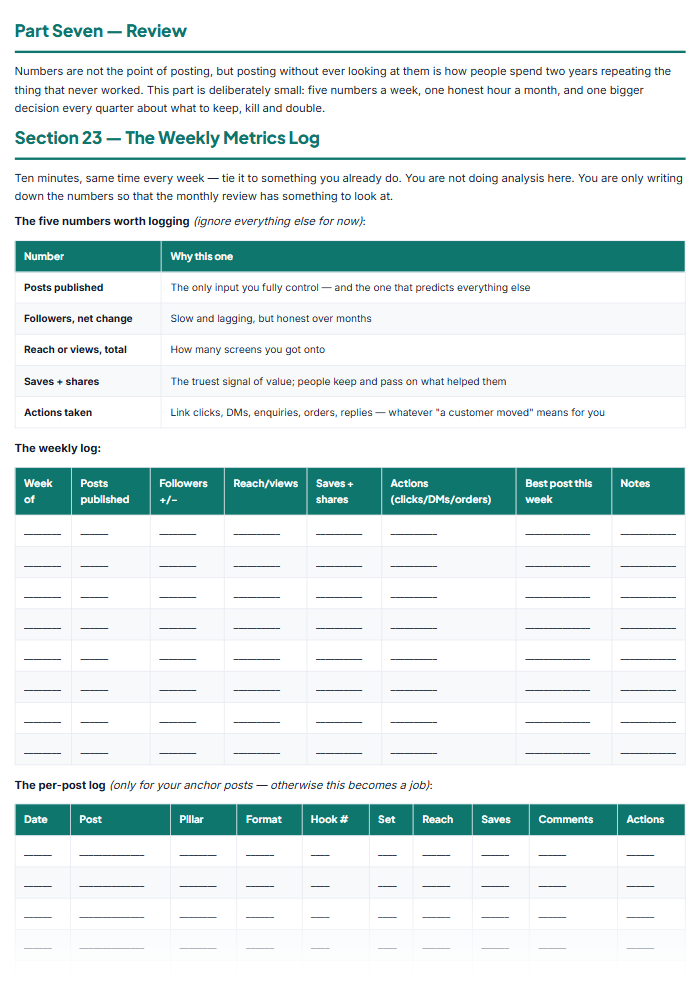
What's inside
Foundation: What You Post and Who You Post For
The Calendar System
Writing the Post
Getting Found
The Content Bank
Cadence, Campaigns & Community
Review
Consistency
Questions people ask
Does this work for the platforms I actually use?
Yes — the kit is organised by format, not by brand name. The cadence tables cover photo and carousel feeds, short vertical video, pinboards and search-driven platforms, professional networks, local community pages, long-form video and your own email list, and each row has a blank where you write the name of the app you use for it. Platforms rename themselves and rewrite their rules constantly; formats behave the same way for years. You choose one primary platform, one secondary and one you own, and the whole system runs on those three.
I'm not a writer. Will I really be able to fill this in?
That is precisely what the caption skeletons are for. You pick a hook formula from the list of thirty, pour it into one of ten word-for-word skeletons, replace the words in [SQUARE BRACKETS] with your own, and choose one call to action from the menu. Each skeleton is followed by a completed version so you can see how much of the template survives — usually most of it. A caption becomes a ten-minute job with a known ending rather than a blank box you avoid.
Is this an editable digital file or a printable?
It is a printable PDF workbook, designed to be written on by hand — the deciding happens faster on paper, away from the app that keeps distracting you. Print it as many times as you like for your own business, or fill it in on a tablet if your notes app supports PDF annotation. It is a planning aid, not marketing, legal or financial advice, and it makes no promise about followers, reach or sales — what it removes is the blank page.
Free guides that go with this
How to Make a Social Media Content Calendar (That You Keep Using)
How to make a social media content calendar you actually stick to: pick 5 content pillars, set theme days, plan a month in 45 minutes, and batch the work.
How to Make a Social Media Content Calendar (That You Keep Using)
How to make a social media content calendar you actually stick to: pick 5 content pillars, set theme days, plan a month in 45 minutes, and batch the work.
3 ready-to-send client email scripts + red-flag checklist — see the RESELLOLABS quality before you buy anything.